

UPGRADING AND OPTIMIZING A 2012 MACBOOK PRO RAM Upgrade: Increase the speed and performance of your MacBook Pro with new, higher-capacity compatible RAM. SSD Upgrade: Experience faster, smoother performance when you install a high-speed SSD drive in your MacBook Pro. Second hard drive […]
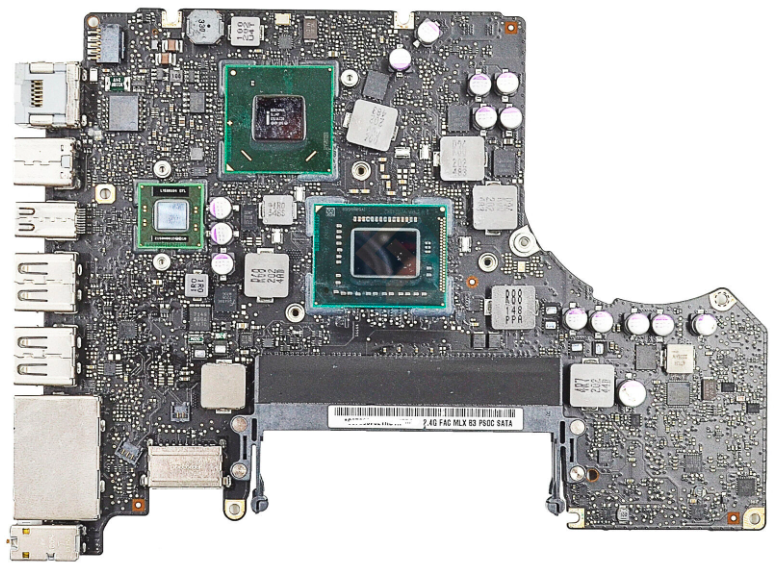
Is your AMD GPU experiencing issues? Symptoms of possible damage: It doesn't power on. Restart loop. Boots without video. Only starts in recovery mode. Frequent restarts. Blue screen at startup. Gradually worsening distorted video. It's important to note that some symptoms might overlap, and the sequence can vary based on the specific issue with the […]
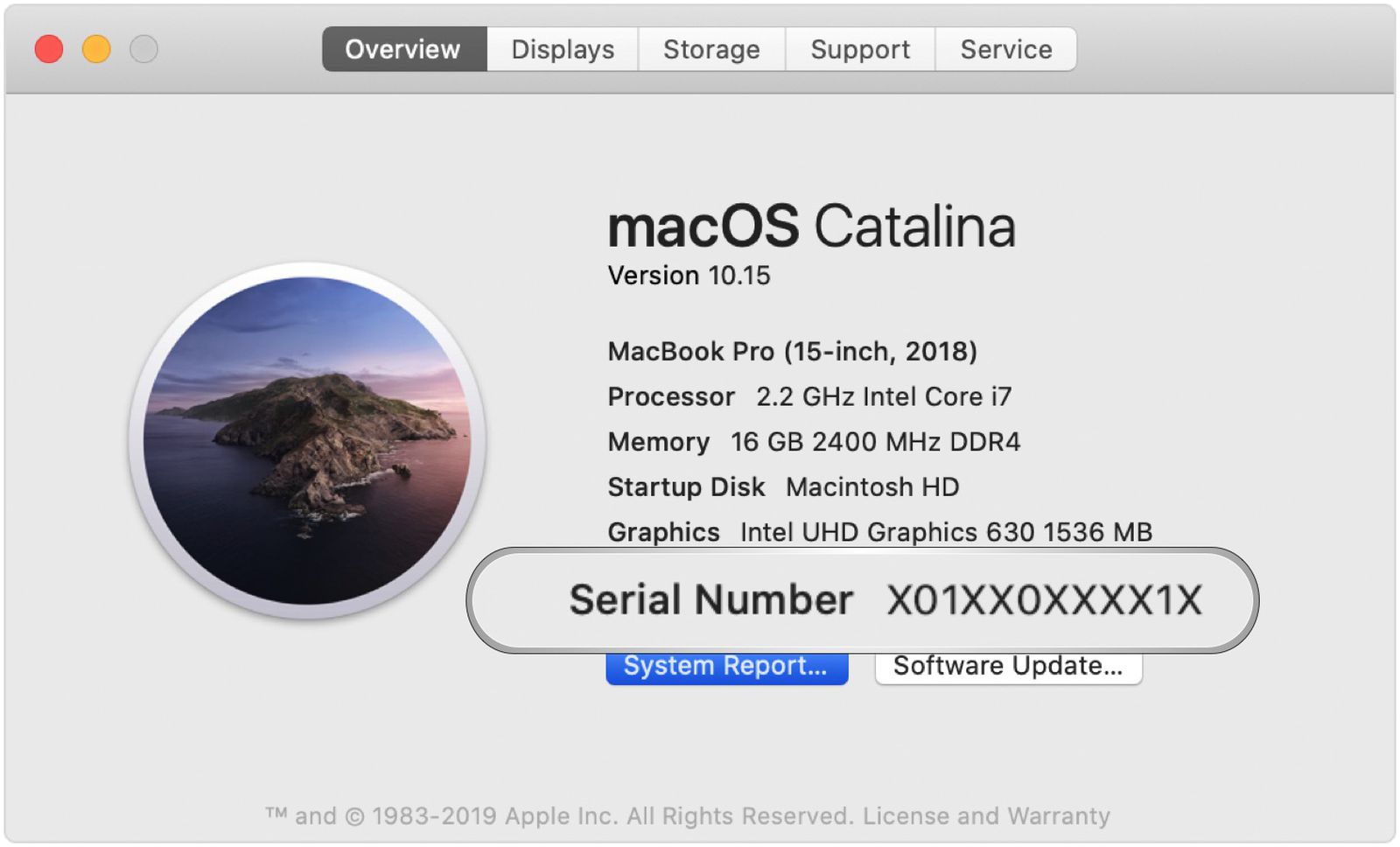
Step 1: Download and Install Macrium Reflect on Windows 10 To start, you'll need a PC running Windows 10. Download and install the Macrium Reflect application from the following link: Download Link. Step 2: Restore the "mrig" Image to a USB Drive You've received an image file named "mrig" via email. Use Macrium Reflect to […]
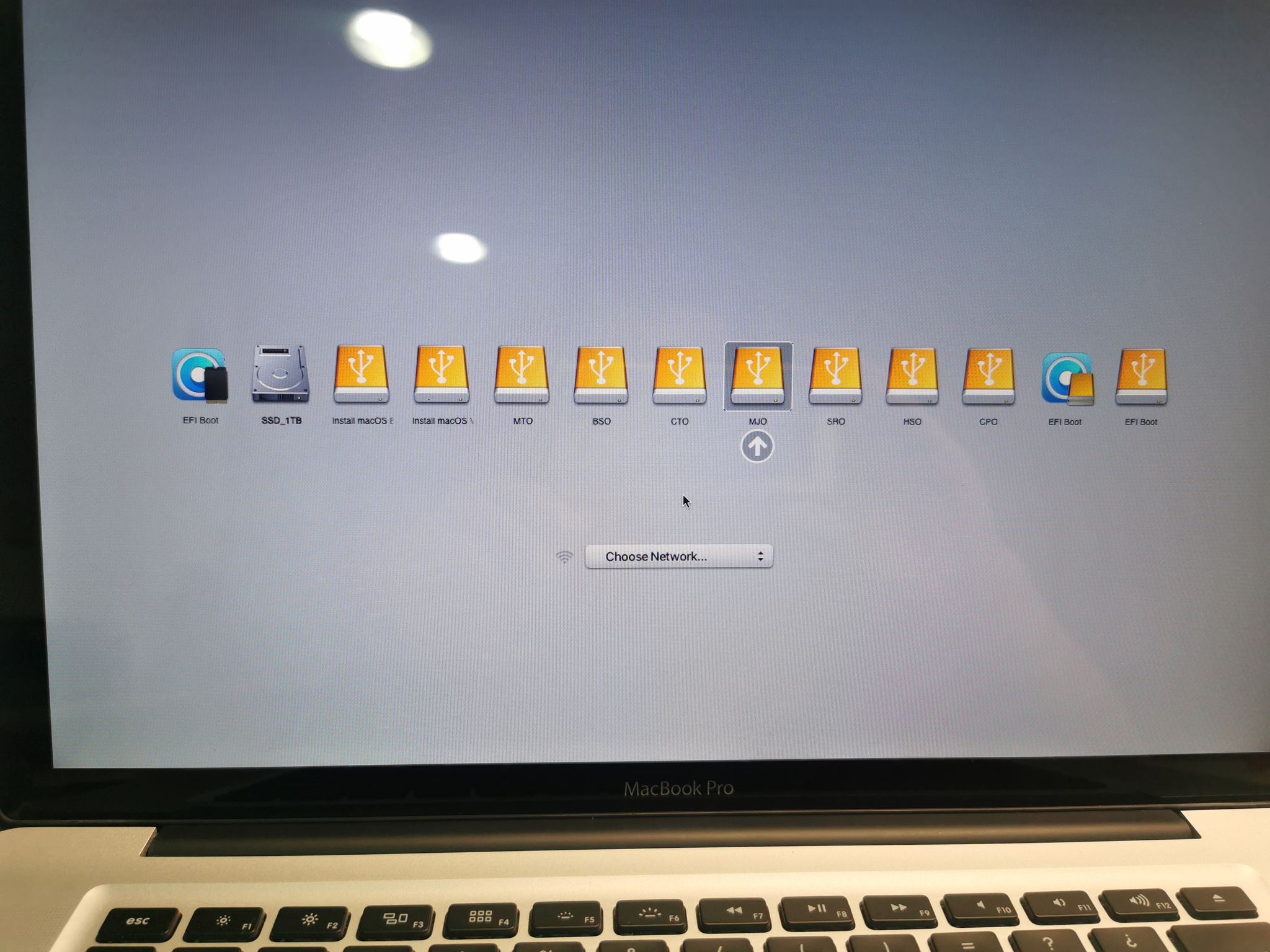
Step 1: Download and Install Macrium Reflect on Windows 10 To begin, download and install the Macrium Reflect application on a Windows 10 PC. You can obtain the application from the following link: Download Link. Step 2: Restore the "mrig" Image on a Drive of at Least 3 TB You received an image named "mrig" […]

Necessary requirements for the update: Macbook 2.1-4.1 (2006-2008) 2GB or 4GB of DDR2 667-800 RAM (depending on your Mac) 120GB to 256GB SSD Lion Installer (USB) Yosemite Installer (USB) Catalina Installer (USB) Windows 10 Installer (DVD) Update process: Part 1: Lion Installation Download […]

Let's install Big Sur on your 2011 Mac – Video 1 Video 2 To do this, we'll need: A 16GB USB drive to create the installer. A copy of the Big Sur installer – Download it Here. The OPEN CORE File – Download it Here. Step 1: Create the Big Sur Installer Follow the regular process to create the Big Sur installer. Let's go to [...]
 English
  Spanish