How to Create a MultiEFI Installer and Change the Serial Number on Your Mac
Step 1: Download and Install Macrium Reflect on Windows 10
To begin, you'll need a PC with Windows 10. Download and install the Macrium Reflect application from the following link: Download link.
Step 2: Restore the "mrig" image onto a USB drive.
You received an image file named "mrig" via email. Use Macrium Reflect to restore this image onto a USB drive. You can use a USB drive with a capacity of at least 1 GB or larger.
Step 3: Boot from the USB and modify the serial number.
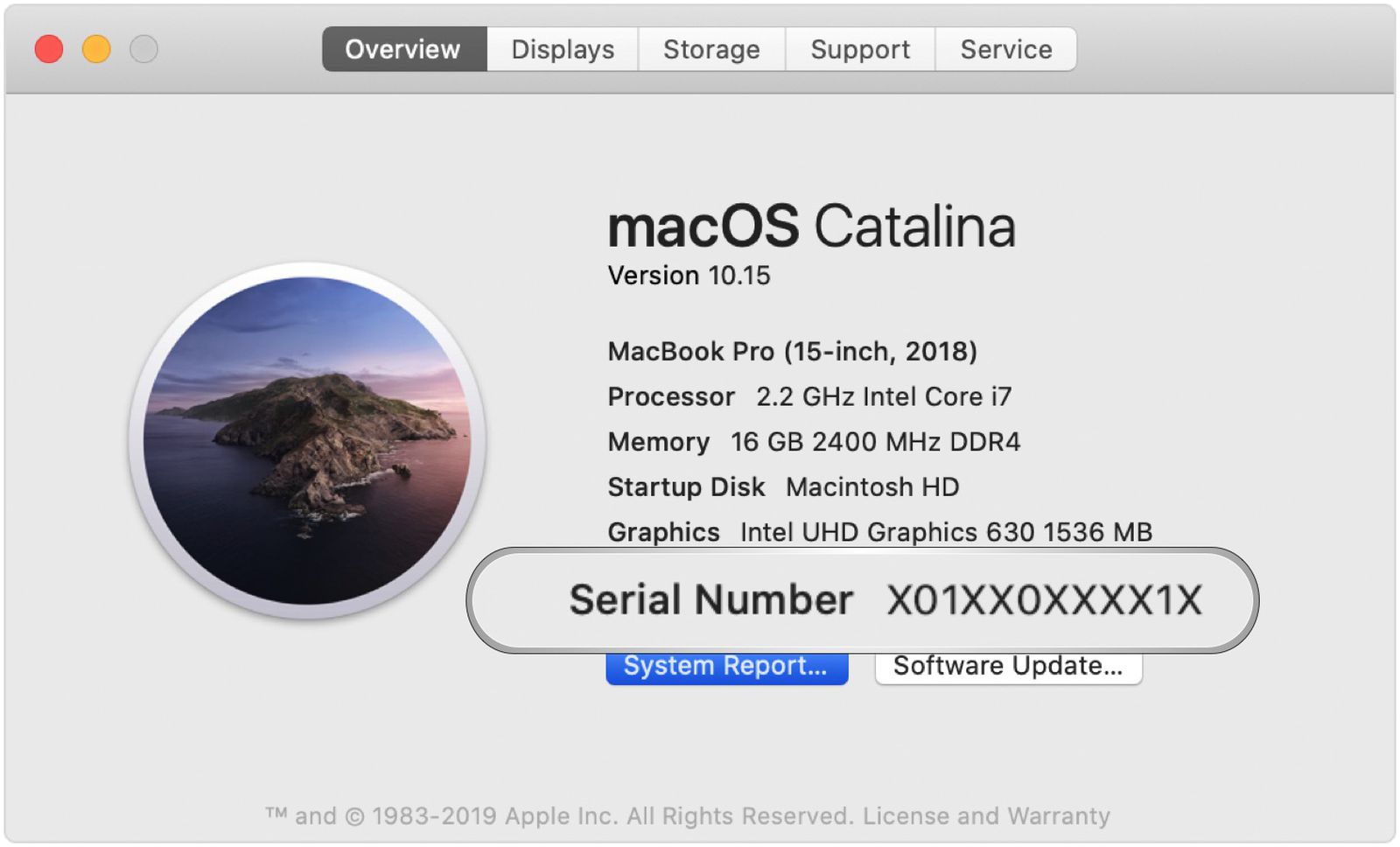
Once you have restored the image onto the USB, you'll be able to boot your Mac from it. During startup, press and hold the "ALT" key to access the boot options. Select the first EFIboot option, and you will enter the serializing tool for Macs manufactured in 2014 or earlier. Here, you can modify your device's serial number. Make sure to use a genuine serial number and do so for the right reasons.
Step 4: Install an unsupported operating system.
If you want to install an unsupported operating system, you'll need the original installer on a USB drive. You can create this installer yourself on a 16 GB USB drive. For example, you can generate an installer for Monterey, Ventura, and so on.
Step 5: Boot from the USB drives and select the corresponding EFI.
Connect both USB drives to your Mac and restart. Once again, hold down the "ALT" key to access the boot options. You'll see all available boot options, but this time, select the second EFI. This will take you to a black screen where the EFI version installers will appear.
Step 6: Install the desired operating system.
Once on the EFI installer screen, you can proceed to install the operating system you desire for your Mac.
Important Note: During this process, you won't lose your information or settings. The unsupported operating system will be installed as a native upgrade, preserving your existing data and settings.
Remember to exercise caution when modifying your device's serial number and use this feature responsibly and ethically.




 English
  Spanish