


Get the Firmware Update Tool HERE Download the Firmware Update HERE Mount the DMG Use the update tool to create the “RAM DISK” and avoid the 5530 error Within the content of the update tool, in the internal folder /Contents/ Resources Locate the following scripts and copy them to RAM DISK: ExtractAndPatchEFIFiles.sh […]
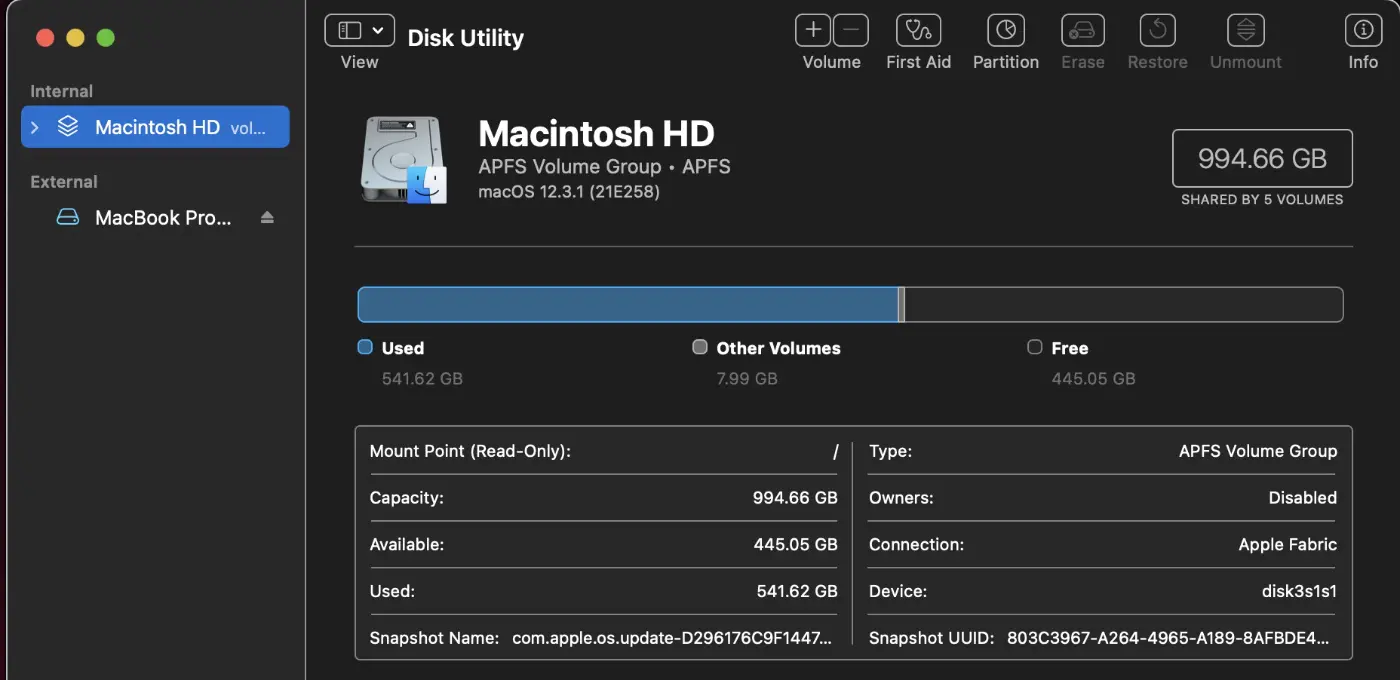
Disk utility We connect the Receiver Unit. We format the drive in HJFS+ / APFS depending on the system you will use. We mount the DMG with the system image. In disk Utility we select Restore DMG Mounted Image to Connected Drive. Recovery We restart the equipment by pressing CMD + D. We start Disk Utility. We connect the Receiver Unit. […]
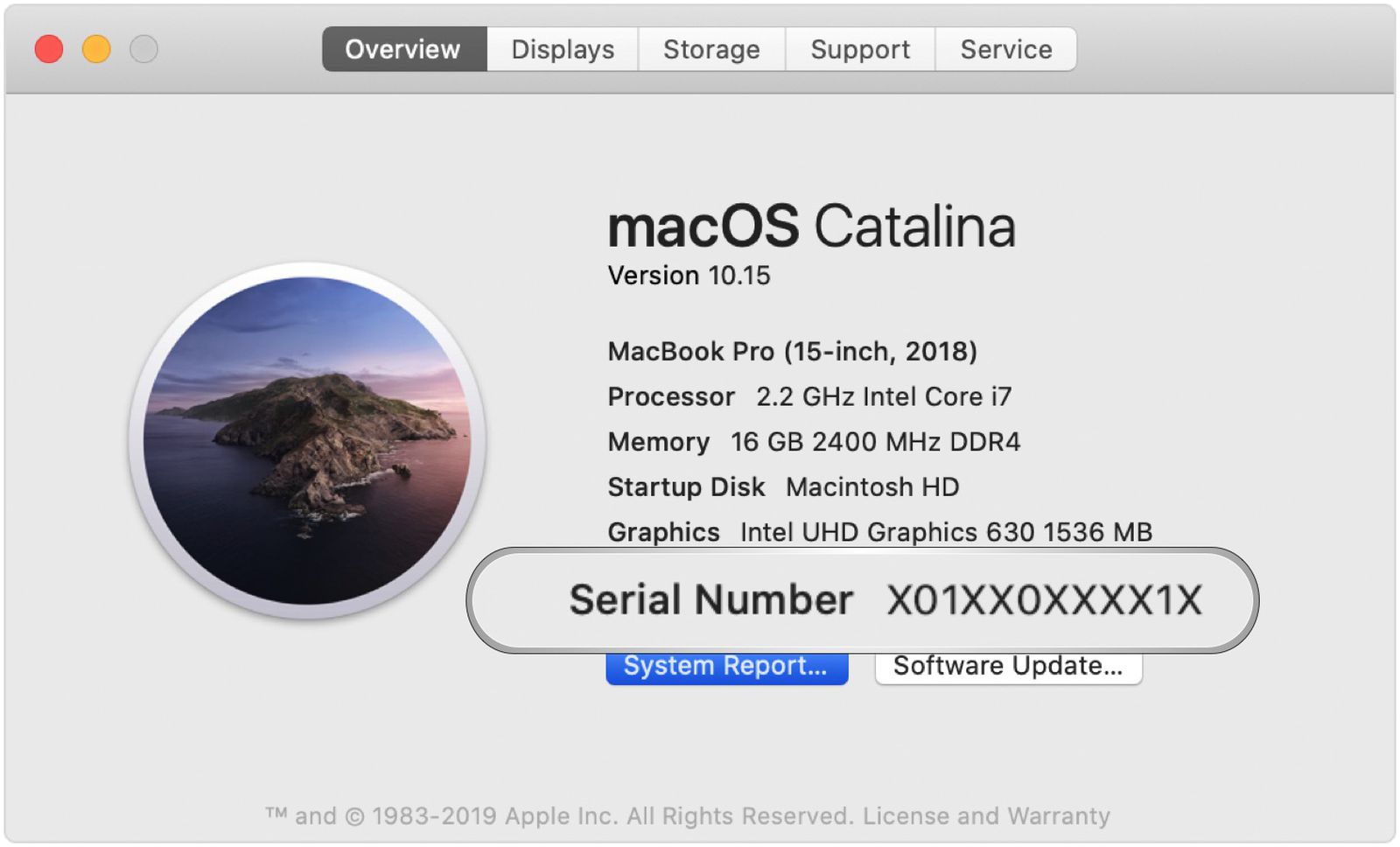
Step 1: Download and Install Macrium Reflect on Windows 10 To start, you'll need a PC running Windows 10. Download and install the Macrium Reflect application from the following link: Download Link. Step 2: Restore the "mrig" Image to a USB Drive You've received an image file named "mrig" via email. Use Macrium Reflect to […]
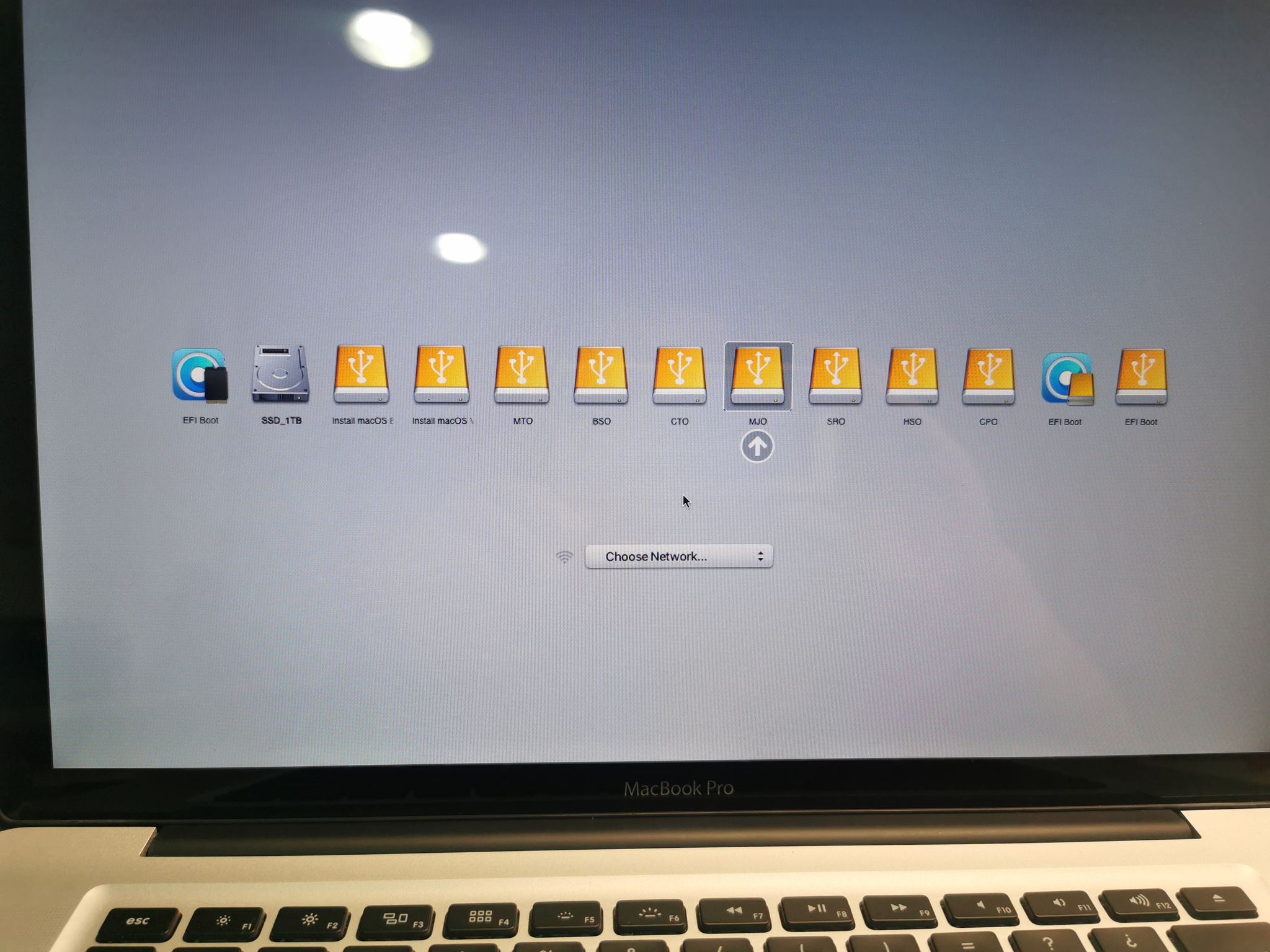
Step 1: Download and Install Macrium Reflect on Windows 10 To begin, download and install the Macrium Reflect application on a Windows 10 PC. You can obtain the application from the following link: Download Link. Step 2: Restore the "mrig" Image on a Drive of at Least 3 TB You received an image named "mrig" […]

Necessary requirements for the update: Macbook 2.1-4.1 (2006-2008) 2GB or 4GB of DDR2 667-800 RAM (depending on your Mac) 120GB to 256GB SSD Lion Installer (USB) Yosemite Installer (USB) Catalina Installer (USB) Windows 10 Installer (DVD) Update process: Part 1: Lion Installation Download […]

Let's install Big Sur on your 2011 Mac – Video 1 Video 2 To do this, we'll need: A 16GB USB drive to create the installer. A copy of the Big Sur installer – Download it Here. The OPEN CORE File – Download it Here. Step 1: Create the Big Sur Installer Follow the regular process to create the Big Sur installer. Let's go to [...]
 English
  Spanish